
What the dashboard shows
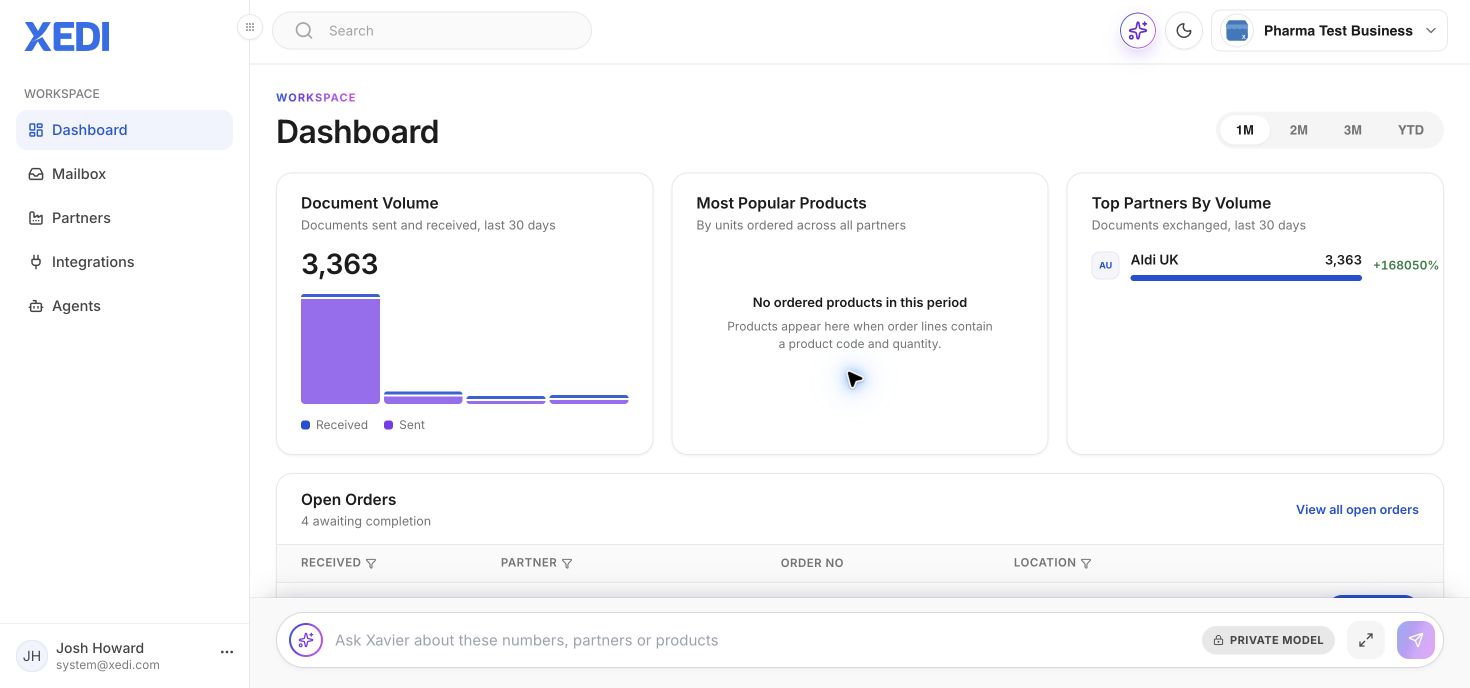
The Dashboard is your starting point after signing in. It combines document volume, most-popular products, partner volume and open orders in one place.
Choose a reporting period
Use 1M, 2M, 3M or YTD to change the analytics period.
Work from open orders
The Open Orders table lists orders awaiting completion. Select an order’s action to open it in the Mailbox and create the next required document, such as an invoice.
Ask Xavier
Use the Xavier box at the bottom of the page to ask questions about the displayed documents, partners or products. Xavier only uses business data when that setting has been enabled.