
What order forwarding does
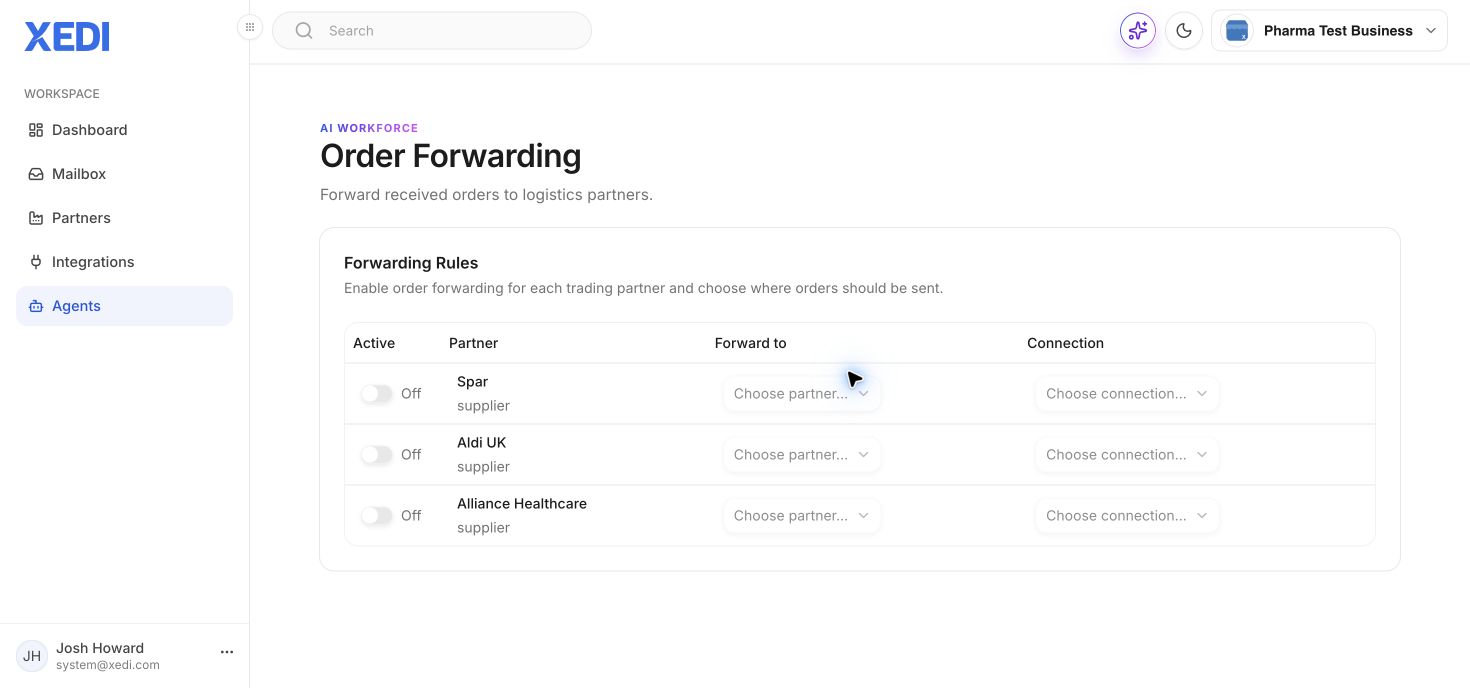
Order Forwarding sends received orders onwards to a chosen logistics partner through a selected connection.
- Open Agents and select Order Forwarding.
- Find the supplier partner whose orders you want to forward.
- Turn the rule on.
- Choose the destination partner, then choose its available connection.
- Confirm the rule before relying on it for live orders.
Connection choices remain unavailable until forwarding is enabled and a suitable connection exists.