
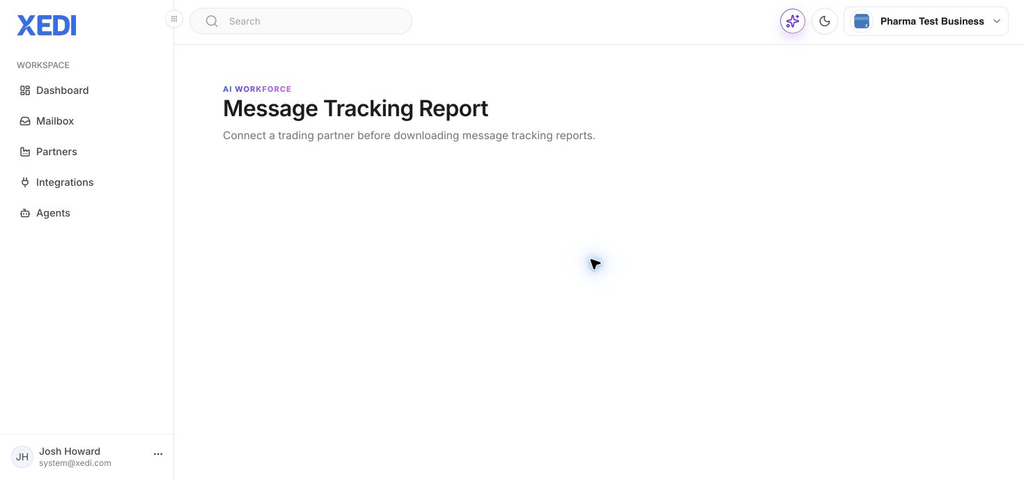
Message Tracking Reports give you a downloadable view of message activity for a connected trading partner.
Before you start
You must connect a trading partner in XEDI before a message tracking report can be downloaded. If the report screen asks you to connect a trading partner, complete that connection first and then return here.
Open the report
- In XEDI, open Agents.
- Select Message Tracking Report.
- Choose the connected trading partner and the available report options.
- Download the report when the required details are available.
When the report is unavailable
The Message Tracking Report only becomes available once there is a trading partner connection to report on. Check the partner connection and its setup if you still see the connection message after returning to the report.
Tip
For day-to-day document investigation, use the Mailbox alongside this report to locate the relevant partner, document type and date.