
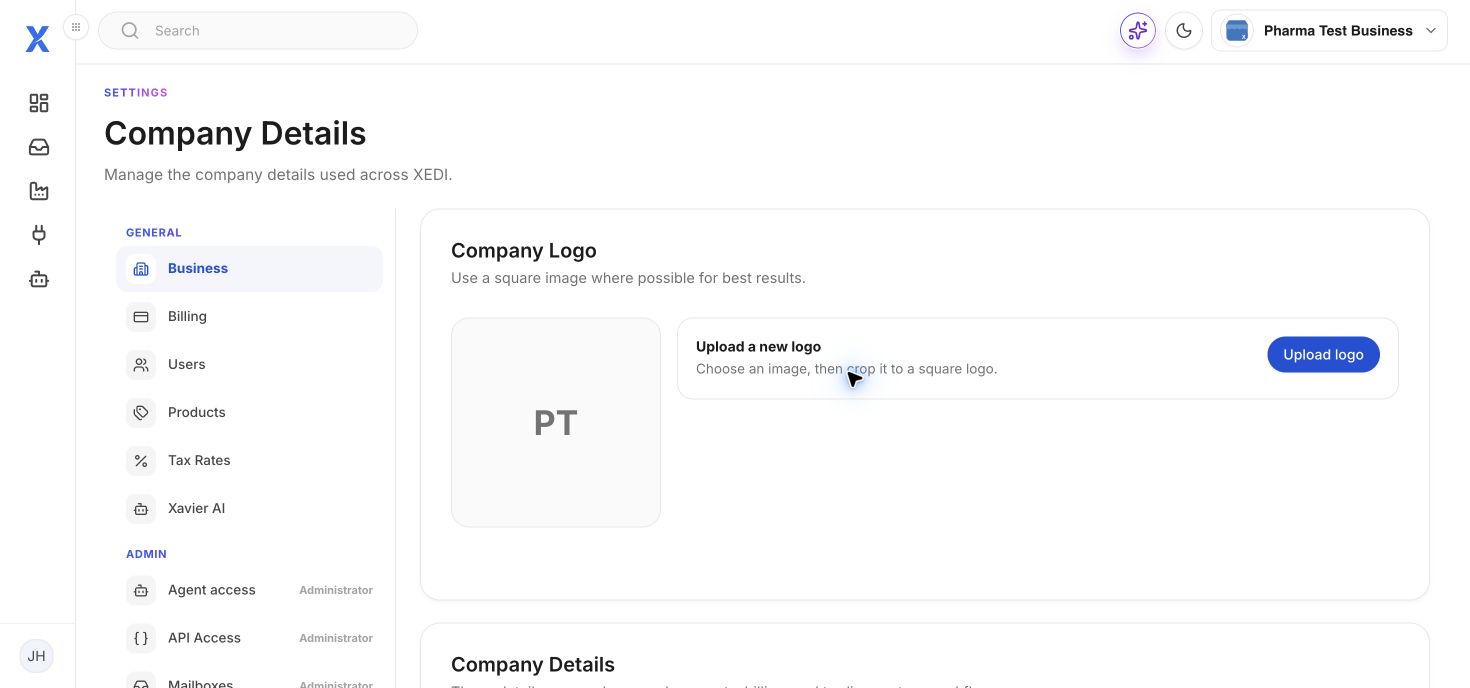
Open your account menu, choose Billing, then select Business in Settings.
Company details
Update the business name, address and country used across documents, billing and partner workflows. You can also upload a square company logo.
Contact and tax
Maintain the tax code, alphanumeric tax code, main contact email and contact number.
EDI numbering
Use the EDI numbering section for SSCC counter and GS1 prefix values. Check these carefully: they affect generated references.