
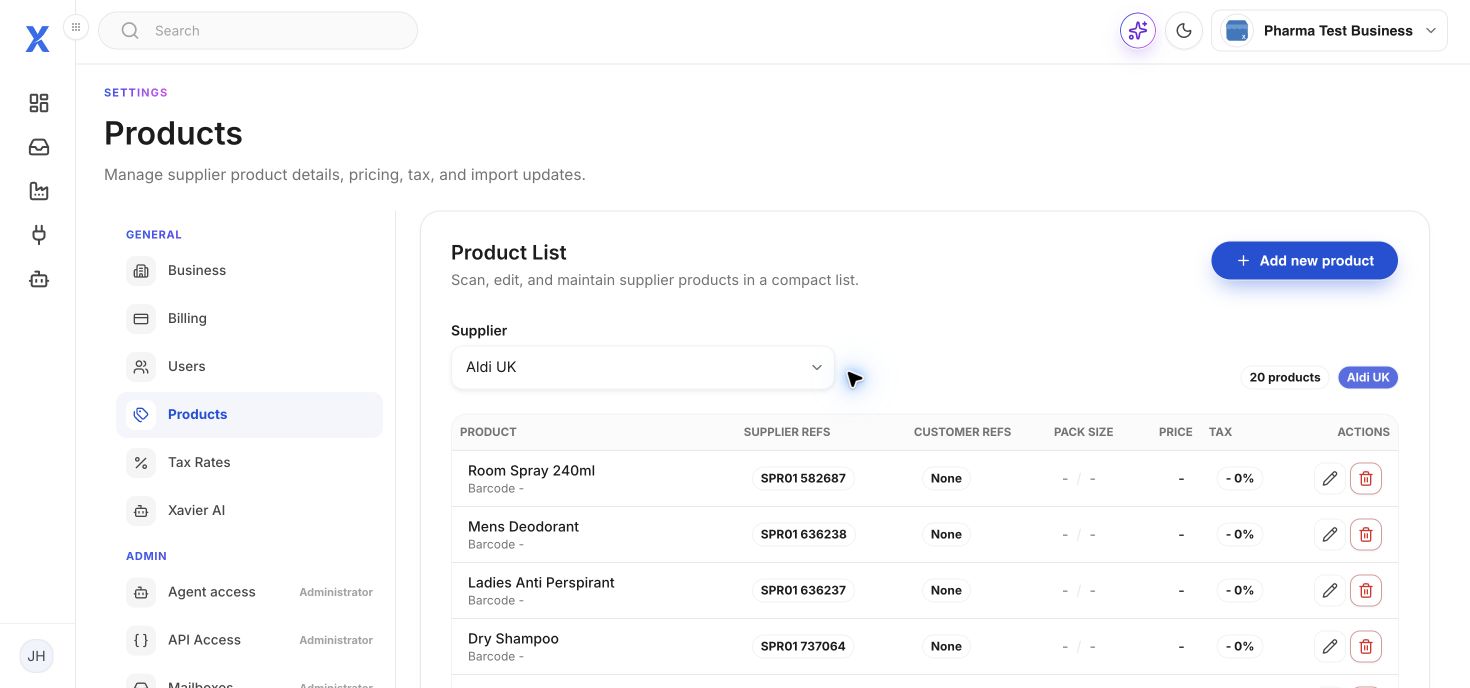
Manage products
Open Settings then Products. Select the supplier to view its product list. The table shows supplier references, customer references, pack size, price and tax. Use Add new product or edit a product when required.
Import products
Choose the identifier that matches your file, such as SKU, barcode or a supplier reference. Choose the CSV file and select Import products. The identifier is used to match existing records, so use a stable value.