
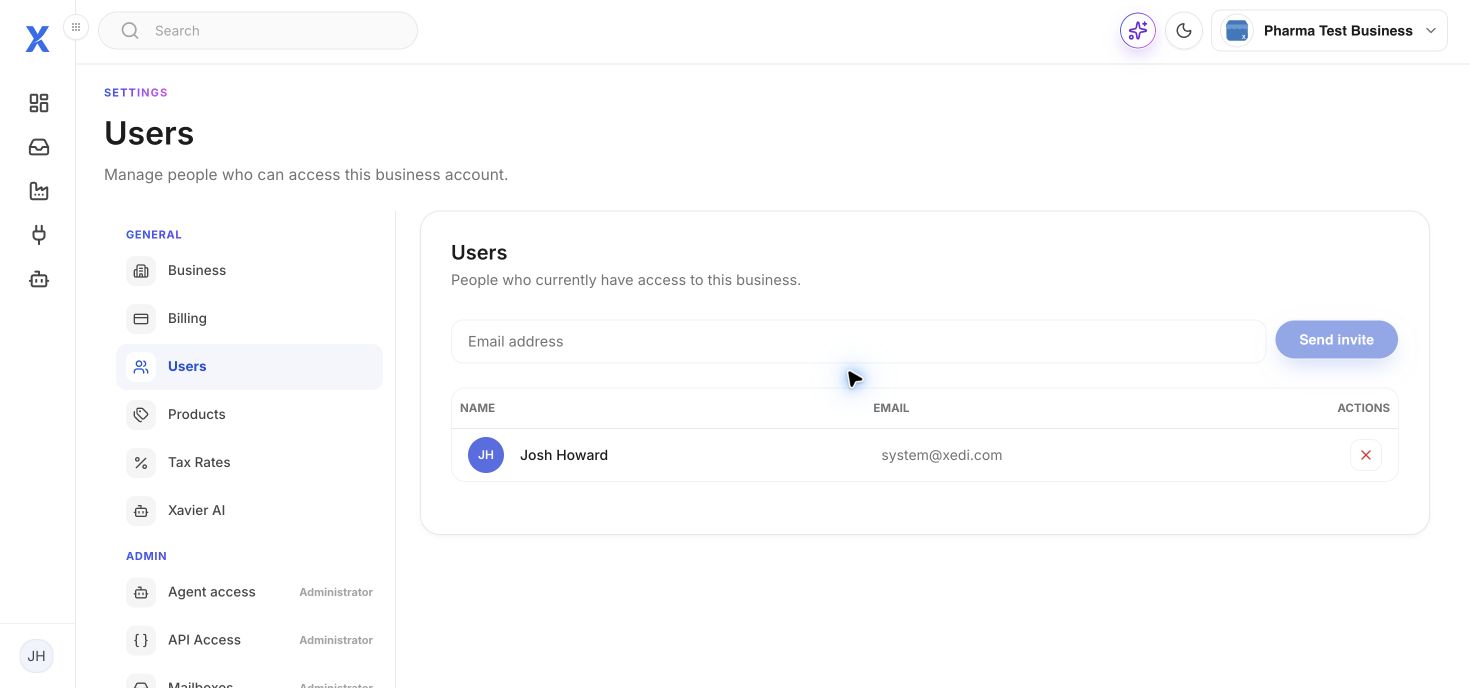
Open Settings then Users.
- Enter the colleague’s email address.
- Select Send invite.
- The invitee accepts the invitation to join the business.
The user table lists existing access. Use Remove user only after confirming the person no longer needs this business account.