
Before you start
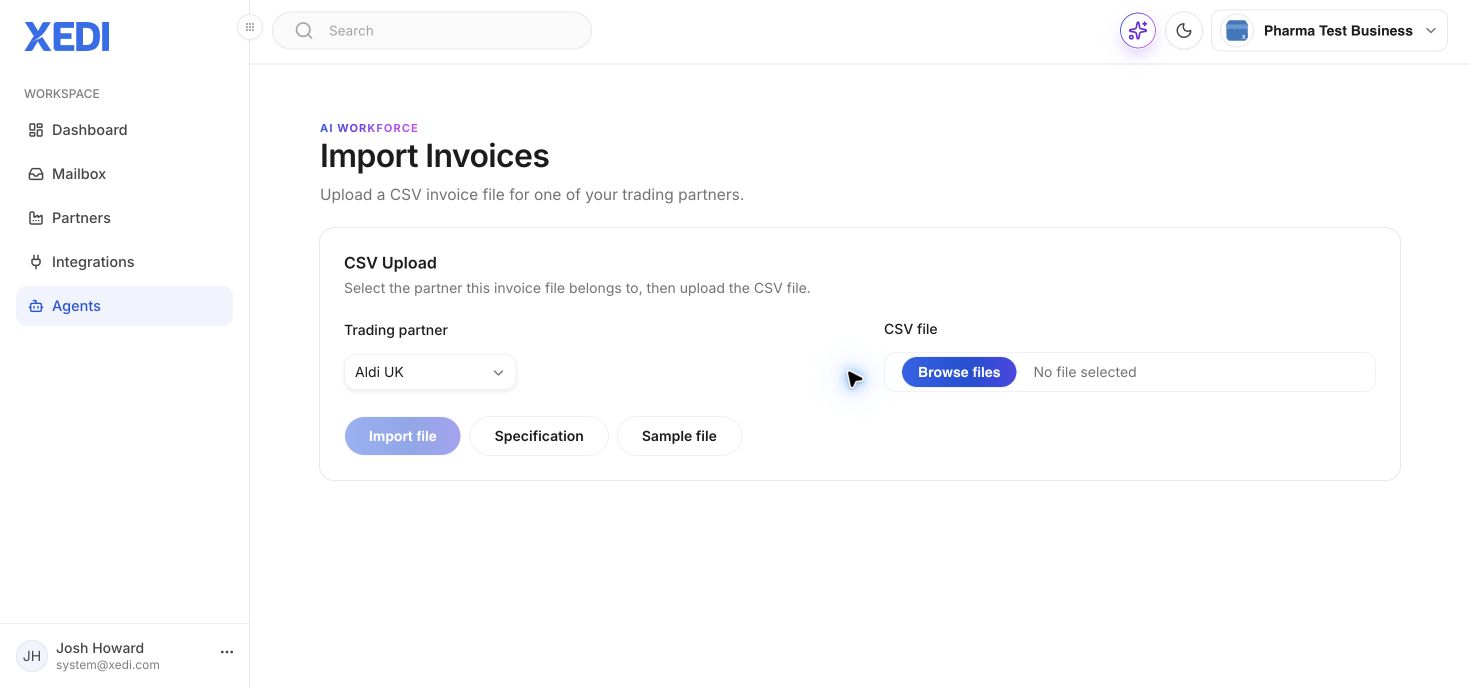
Prepare an invoice CSV that matches the XEDI invoice specification. The Import Invoices page includes links to the specification and a sample file.
- Open Agents and select Import Invoices.
- Choose the trading partner the file belongs to.
- Select Browse files and choose the CSV.
- Review the chosen partner and file.
- Select Import file.
Do not upload a file intended for a different trading partner: partner-specific document rules may apply.