
Open the Mailbox
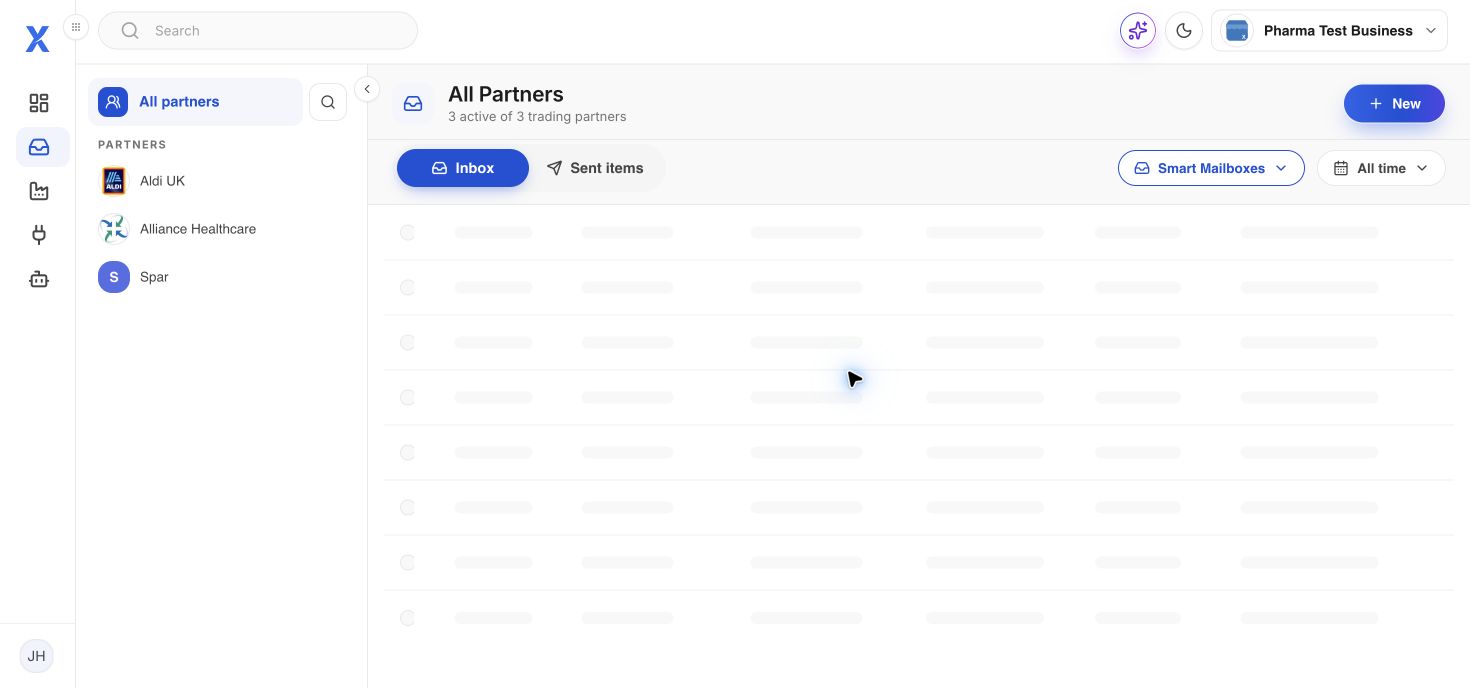
Select Mailbox in the workspace navigation. The default view is All partners, which brings together documents from every active trading partner.
Choose a folder
Use Inbox for received documents and Sent items for documents sent from XEDI. Smart Mailboxes provide focused work queues, including open orders.
Filter and sort
Use the partner panel, date control and table headings to narrow the list. The table identifies received date, delivery date, trading partner, document type, document number and location.
Open a document
Select a row to inspect the document and follow its available action. Actions depend on the document type and your connected integrations.