
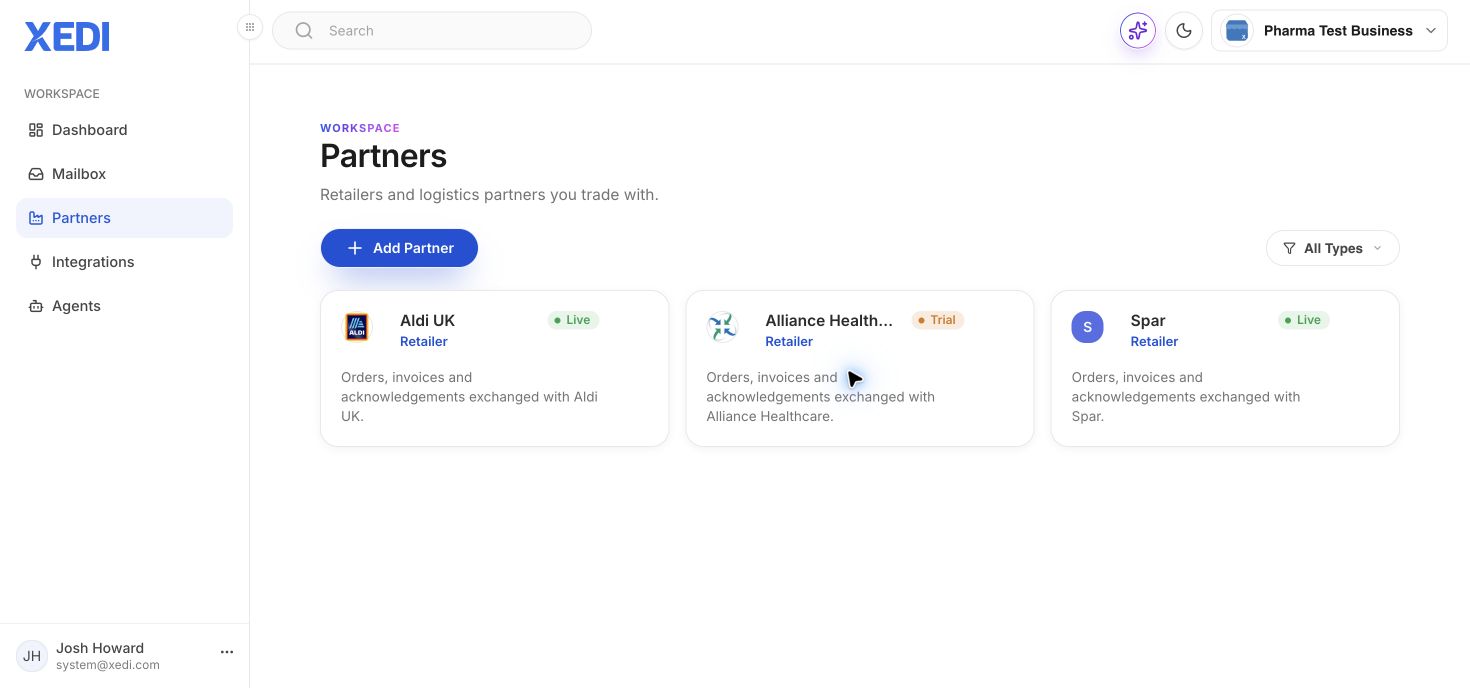
Open Partners to see the partners connected to your business. Each card shows its type, status and a short description of the documents exchanged.
Select a partner card to open its connection settings. Use this area to review the relationship before changing connection-specific configuration. A Live status means the connection is active; a Trial status should be treated as a pre-live configuration.