
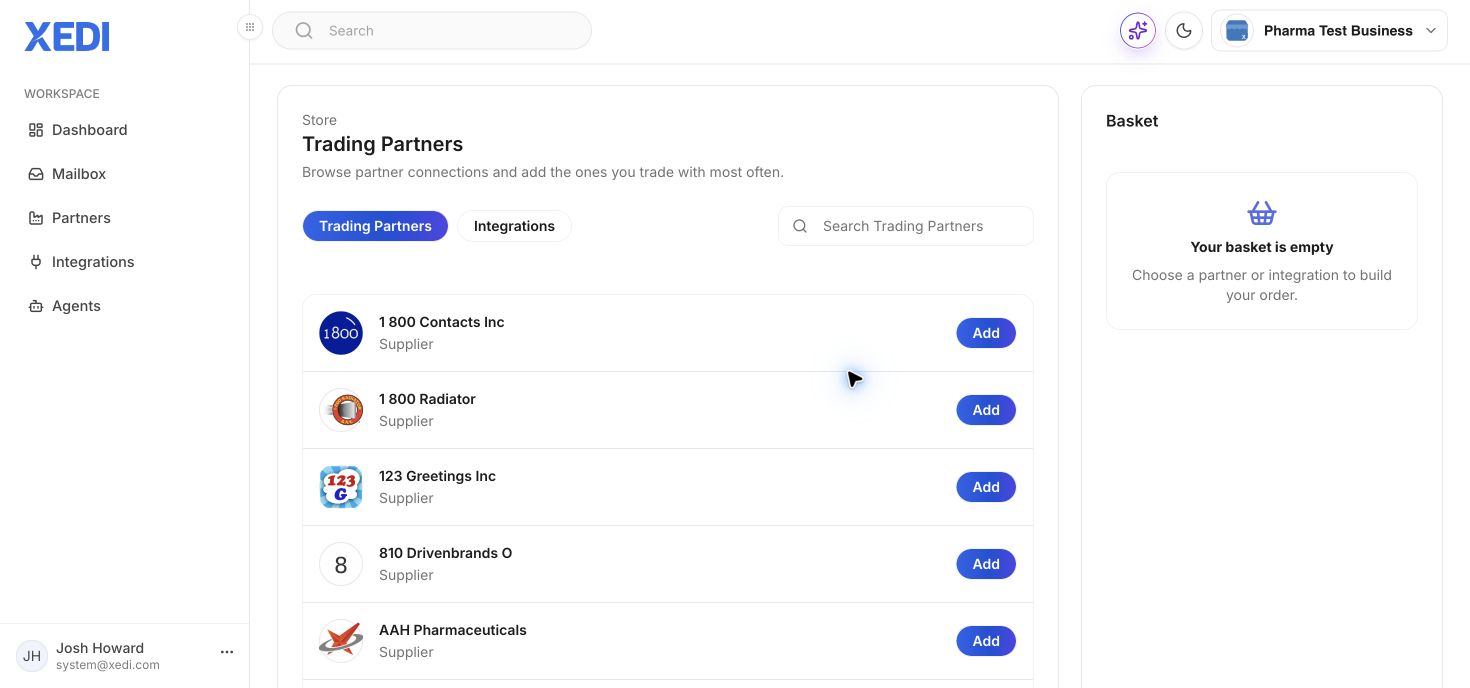
Browse the catalogue
Open Partners and select Add Partner. Search the Trading Partners catalogue by name, then choose the partner you trade with. The catalogue labels partners by type, such as supplier or logistics.
Review the partner
Select Add to view the connection details. Review the included document types, any mandatory add-ons and usage information before continuing.
Complete setup
Add the connection to your basket only when you are ready to proceed. After the connection is created, use the partner and integration settings to configure the operational details needed for trading.